

Diagnostics
Read the fault codes your vehicles report — what the letters and digits mean, how Yipii groups them by severity, and how to turn one into work.
A van's engine light comes on. The driver mentions it in passing three days later, by which point nobody knows when it started or whether it is still happening.
Vehicles with an OBD-connected tracker report diagnostic trouble codes (DTCs) as they occur. This page collects them across the fleet, so a fault becomes a record rather than a conversation.
Find it under Fleet Management → Operations → Diagnostics.
What a code means
Every DTC is five characters, and the first one tells you which part of the vehicle is complaining.
| Prefix | System | Covers |
|---|---|---|
| P | Powertrain | Engine, transmission, fuel, emissions |
| B | Body | Airbags, seat belts, lighting, climate control |
| C | Chassis | ABS, traction control, steering |
| U | Network | Communication between the vehicle's control modules |
So P0301 is a powertrain fault — specifically a misfire on cylinder 1.
A code names a symptom and a circuit. It does not name a repair. P0420 reports that the
catalytic converter is running below its efficiency threshold; the cause might be the
converter, an oxygen sensor, or an exhaust leak upstream of it. Treat a code as the start of a
diagnosis, not the end of one.
How Yipii groups them
Codes fall into four severity bands: Severe, Watch, Info and Unknown.
Unknown means the code was reported but is not in the reference database — usually a manufacturer-specific code. It is not a judgement that the fault is minor.
Reading the page
The page opens on the last 30 days and lists every asset that reported a code in that window. Click a row to expand it and see that vehicle's per-code breakdown: the code, how many times it occurred, when it was first and last seen, and the VIN that reported it.
The occurrence count is the most useful number here. A code seen once on a cold morning is noise; the same code forty times in three weeks is a repair waiting to be scheduled.
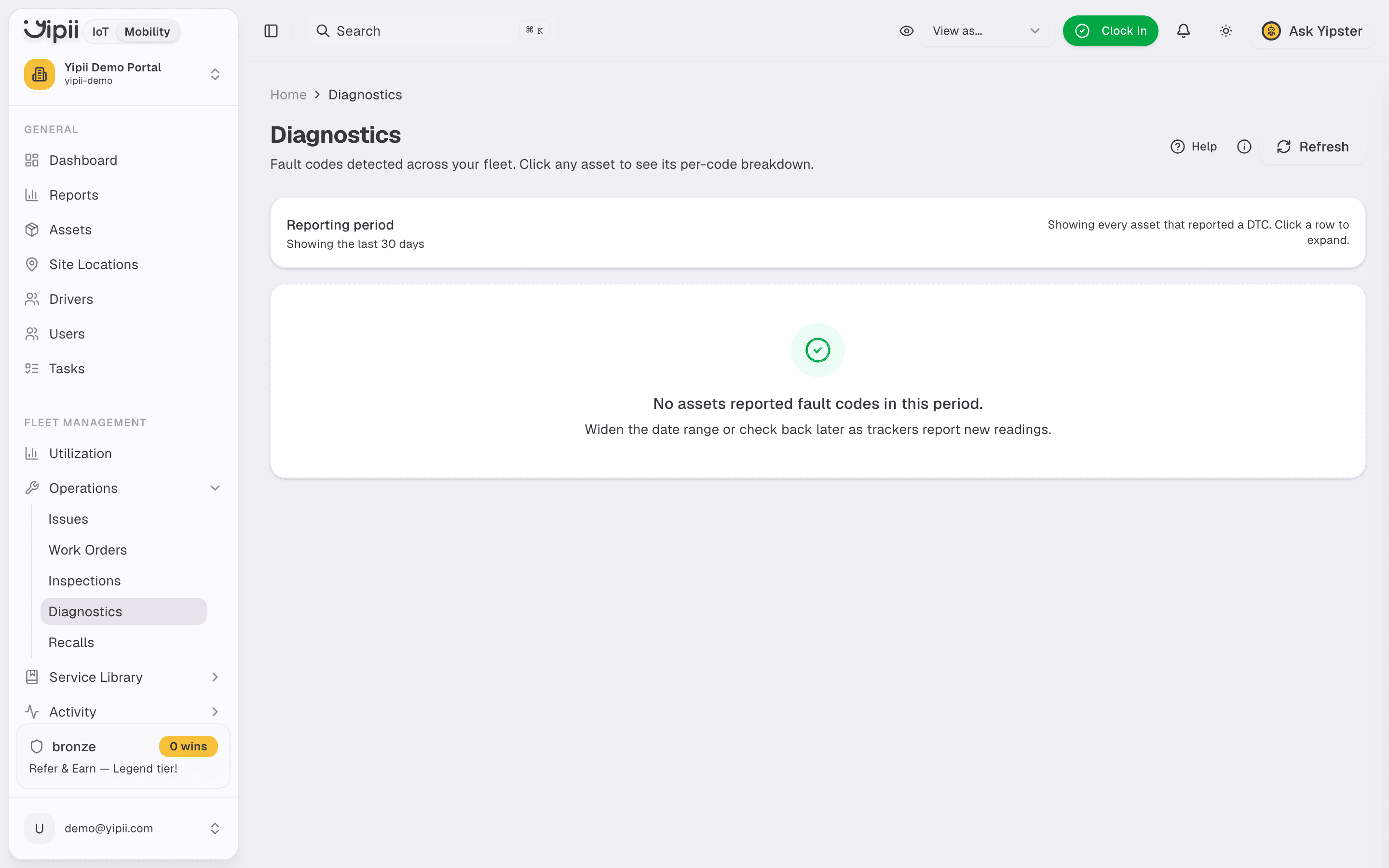
There is no separate detail page for a code — everything is in the expanded row. And if the page says no assets reported fault codes, that is a real result for the period rather than an error. Widen the date range before concluding anything.
Turning a fault into work
Use Create work order on the row. It opens a work order against that vehicle, so the repair is costed, recorded, and lands in the vehicle's service history alongside everything else.
That is the whole workflow, and the boundary is worth stating plainly:
- Yipii does not clear codes. Clearing happens at the vehicle with a scan tool. A code stops appearing here once the vehicle stops reporting it.
- Yipii does not acknowledge or triage codes — there is no per-code status to set. The record is the occurrence history; the decision is yours.
- Nothing fires automatically on a fault code. Mobility's automations trigger on distance, service due dates, failed inspections, expiring documents and geofences — not on DTCs. Fault codes are reviewed, not alerted on.
If you want this to be a habit rather than a page someone remembers to open, put a weekly review in a calendar. That one step is what makes fault-code servicing work in practice.
If it doesn't work
| Symptom | Cause | Fix |
|---|---|---|
| A vehicle never appears | Its tracker isn't connected to the OBD port — power-and-ignition installs report position, not fault codes | Check how the tracker was fitted on the device |
| The page is empty | No codes reported in the last 30 days | Widen the reporting period before assuming it is broken |
| A known fault is missing | Coverage varies by make, model and year; older commercial vehicles and plant often report nothing | Confirm the vehicle supports OBD-II fault reporting |
| A code shows as Unknown | Manufacturer-specific code outside the reference database | Look it up in the manufacturer's documentation — it is unrated, not low priority |
| Codes stopped after a repair | Expected: the vehicle is no longer reporting the fault | Nothing to do. The history stays in the occurrence record |
Related
- Fault-code-driven servicing — the full workflow, and its limits.
- Work orders — where a fault becomes costed, recorded work.
- Devices — checking how a tracker is installed.
- Service schedules — the servicing that does run itself.