

Create an inspection template
Build a reusable inspection checklist your team runs against any vehicle — name it, add the items, and have it ready for the first walkaround.
Inspection templates are the reusable checklists behind every inspection — build one once, and every inspector runs the same items in the same order on every vehicle. This walkthrough sets up a start-of-day roadworthiness check that drivers complete before leaving the depot.
Every screenshot below shows the same template captured in both desktop and mobile views — flip the tab on each step to see how the page renders on either form factor.
Watch it first
Watch the whole flow in 40 seconds, then follow the steps below.
What you'll do
1. Open the Templates library
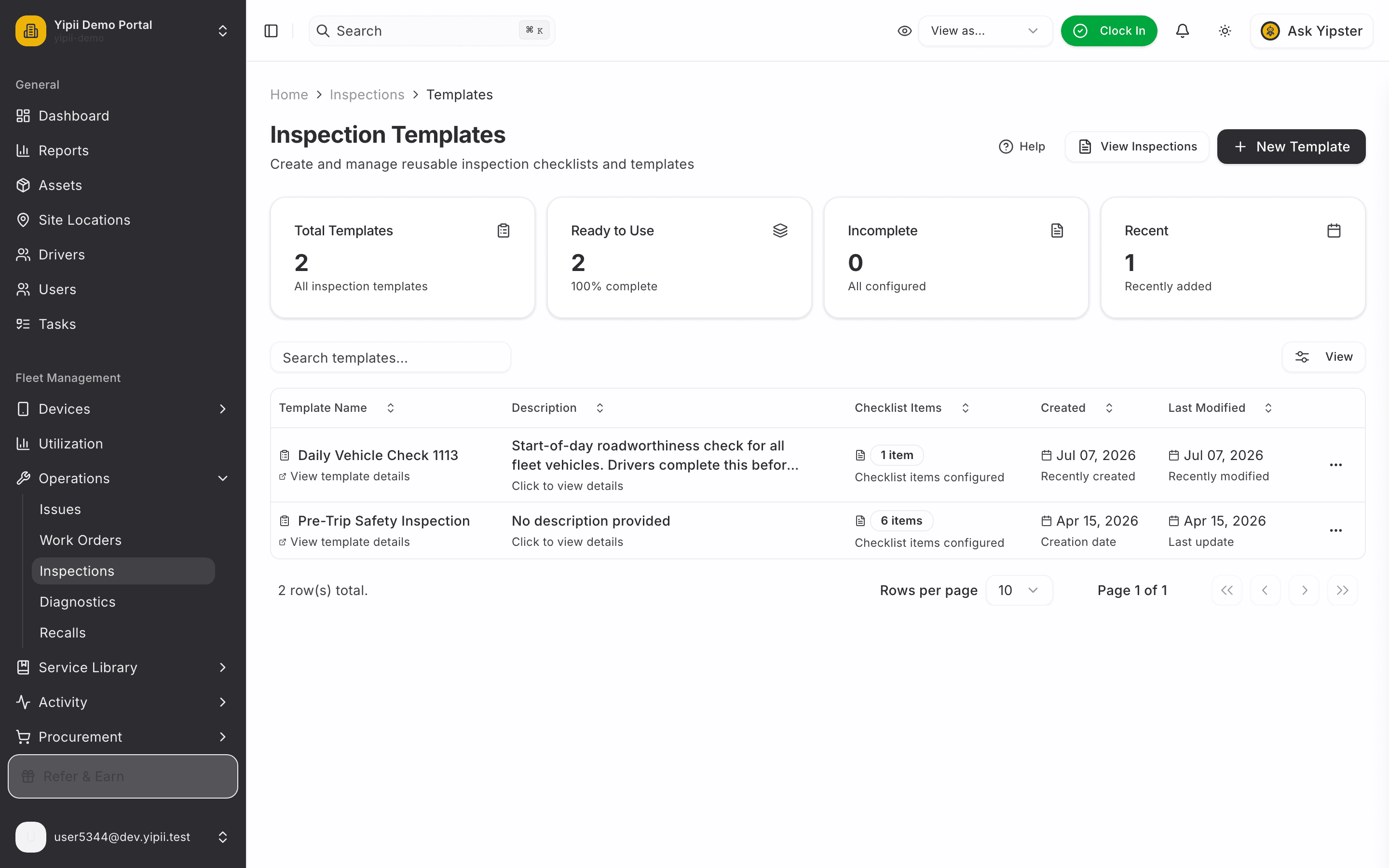
Sidebar → Operations → Inspections, then switch to the Templates tab (or the View Inspections / Templates toggle at the top of the page). The library lists every template with its checklist size and readiness — a template with no items yet is flagged Incomplete until you add some.
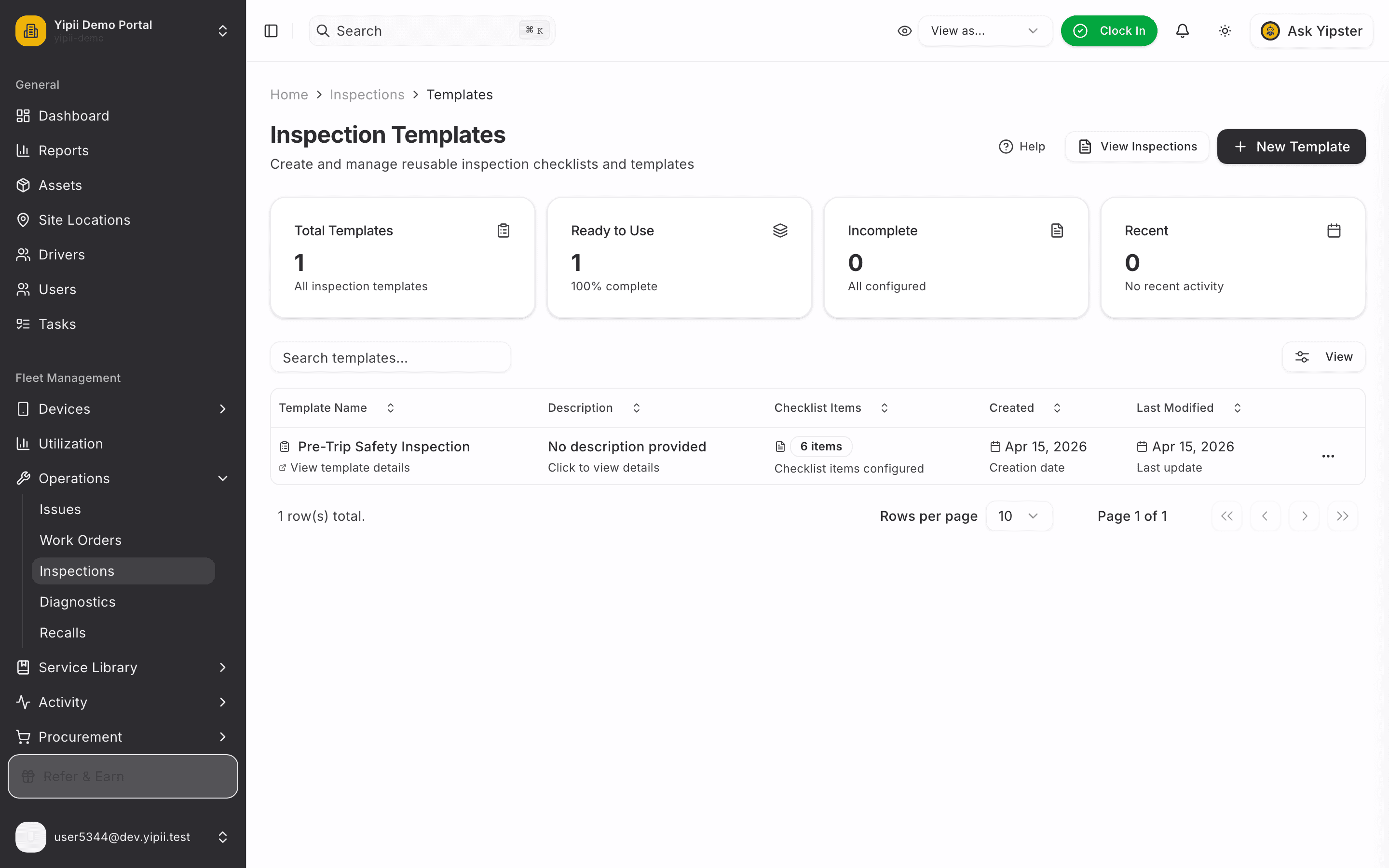
2. Start a new template
Click + New Template. The form asks for two things up front: a template name and an optional description.
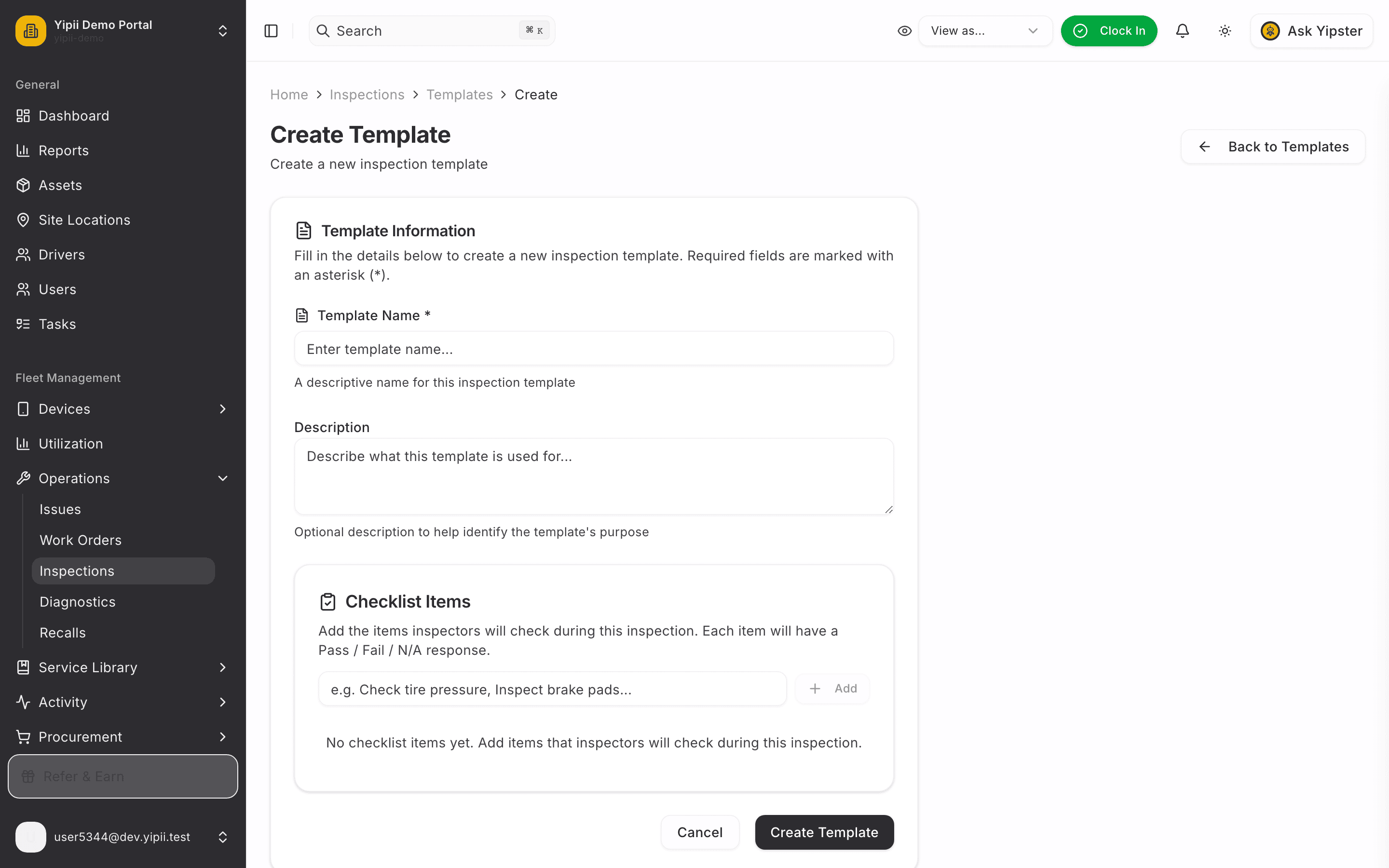
3. Name and describe it
Give the template a name your team will recognise ("Daily Vehicle Check") and a description that says when to run it. The description shows up in the library, so a good one saves your inspectors guessing.
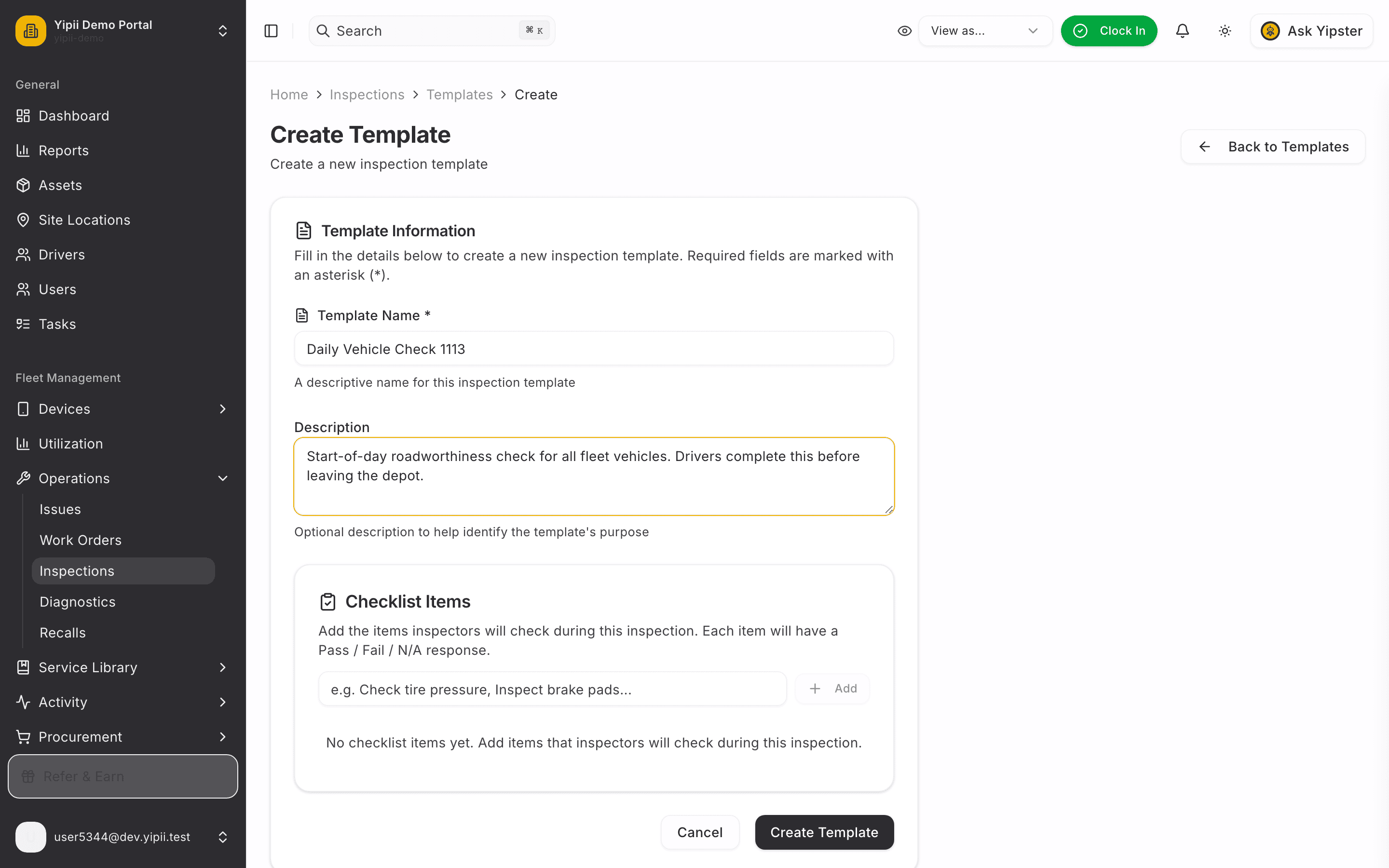
4. Add the checklist items
Type each item and press Enter (or click Add). Every item becomes a Pass / Fail / N/A question when an inspection runs. Reorder items with the arrows — inspectors see them in this order.
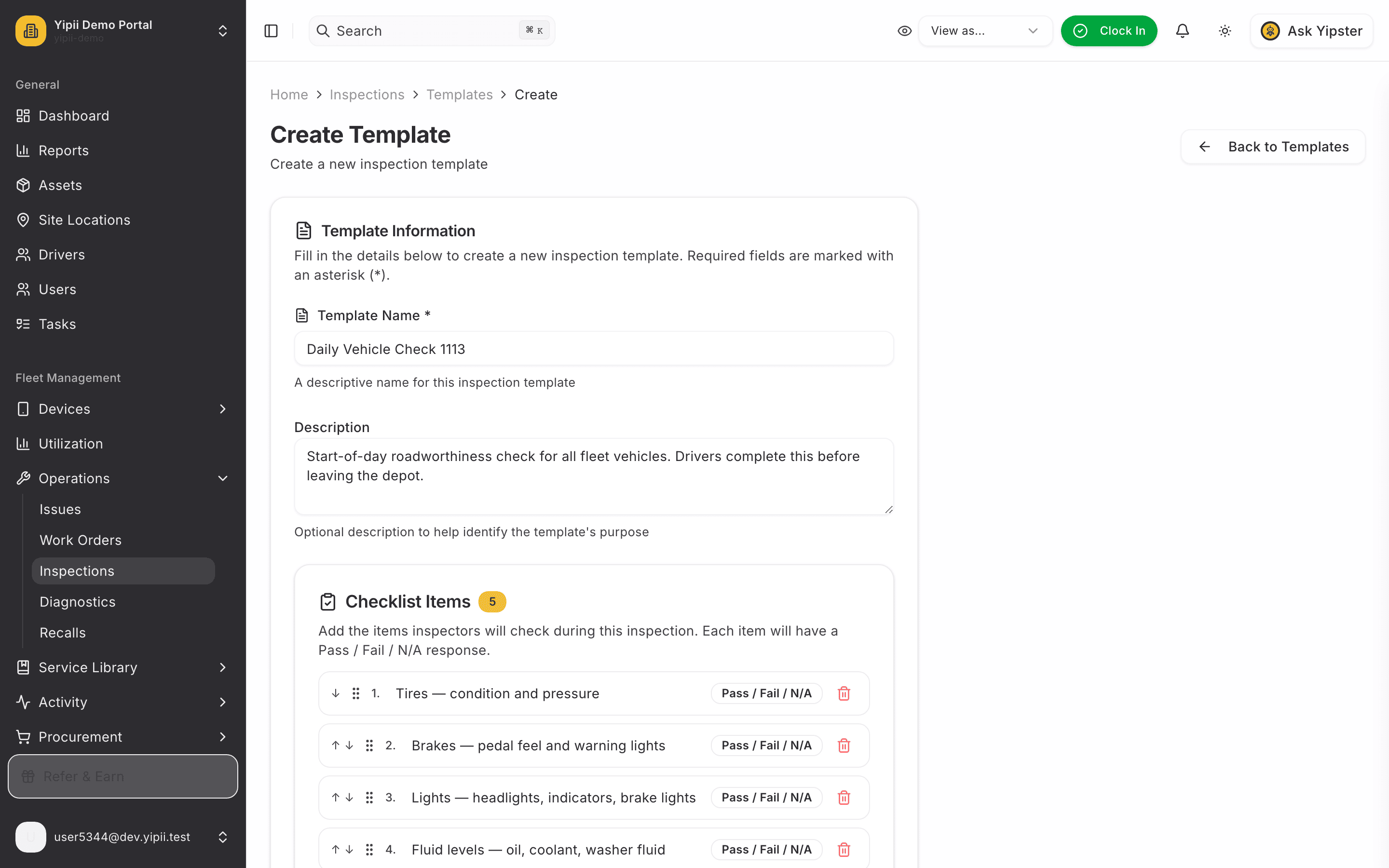
Phrase items so "Pass" always means good — "Tires: condition and pressure" works; "Are the tires worn?" reads ambiguously when marked Pass.
5. Save the template
Click Create Template. You land back in the library with the new template listed, its checklist count showing, and its status ready for use.
6. Review the template
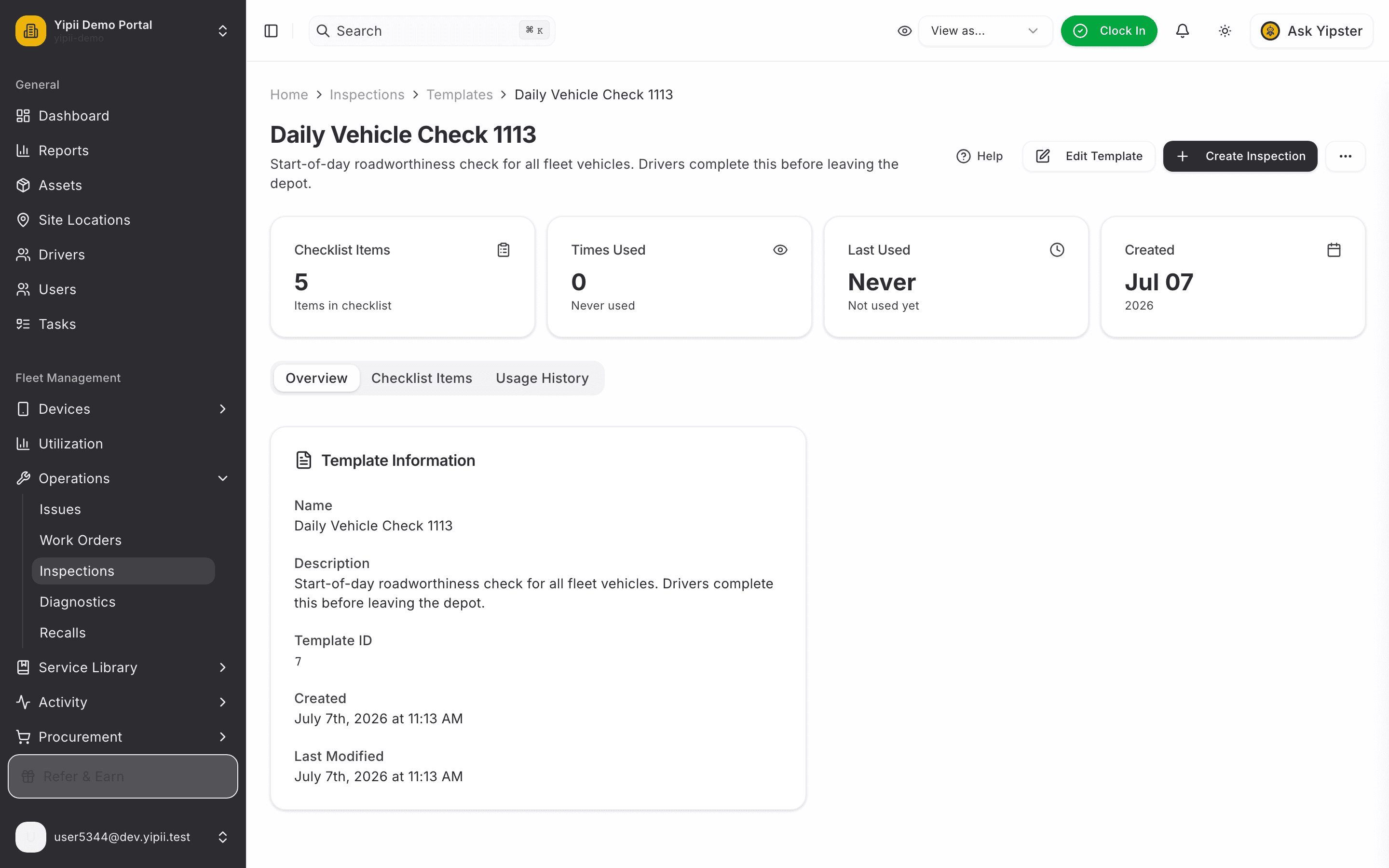
Open the template to double-check the checklist. From here you can Edit Template to adjust items, or jump straight into Create Inspection to run it against a vehicle.
What you ended up with
- A reusable inspection template with an ordered checklist — every inspection created from it starts with the same items.
- A visible readiness state in the library, so half-built templates never sneak into daily use.
Next: Perform an Inspection runs this template against a vehicle.