

Driver reports an issue
A driver logs a problem from their phone in under a minute — vehicle, fault, urgency, photo — and it is on the manager's board before they drive off.
Problems get found where the vehicles are — not at a desk. This walkthrough follows a driver (driver role only, no admin powers) who spots a windscreen chip during their day and reports it from their phone: pick the vehicle, describe the problem, set the urgency, attach a photo. By the time they're back in the cab, it's on the manager's Issues board with the evidence attached.
Every screenshot has desktop and mobile views — for this flow, the mobile tab is the real story.
Watch it first
The whole report in under a minute, then follow the steps below.
What you'll do
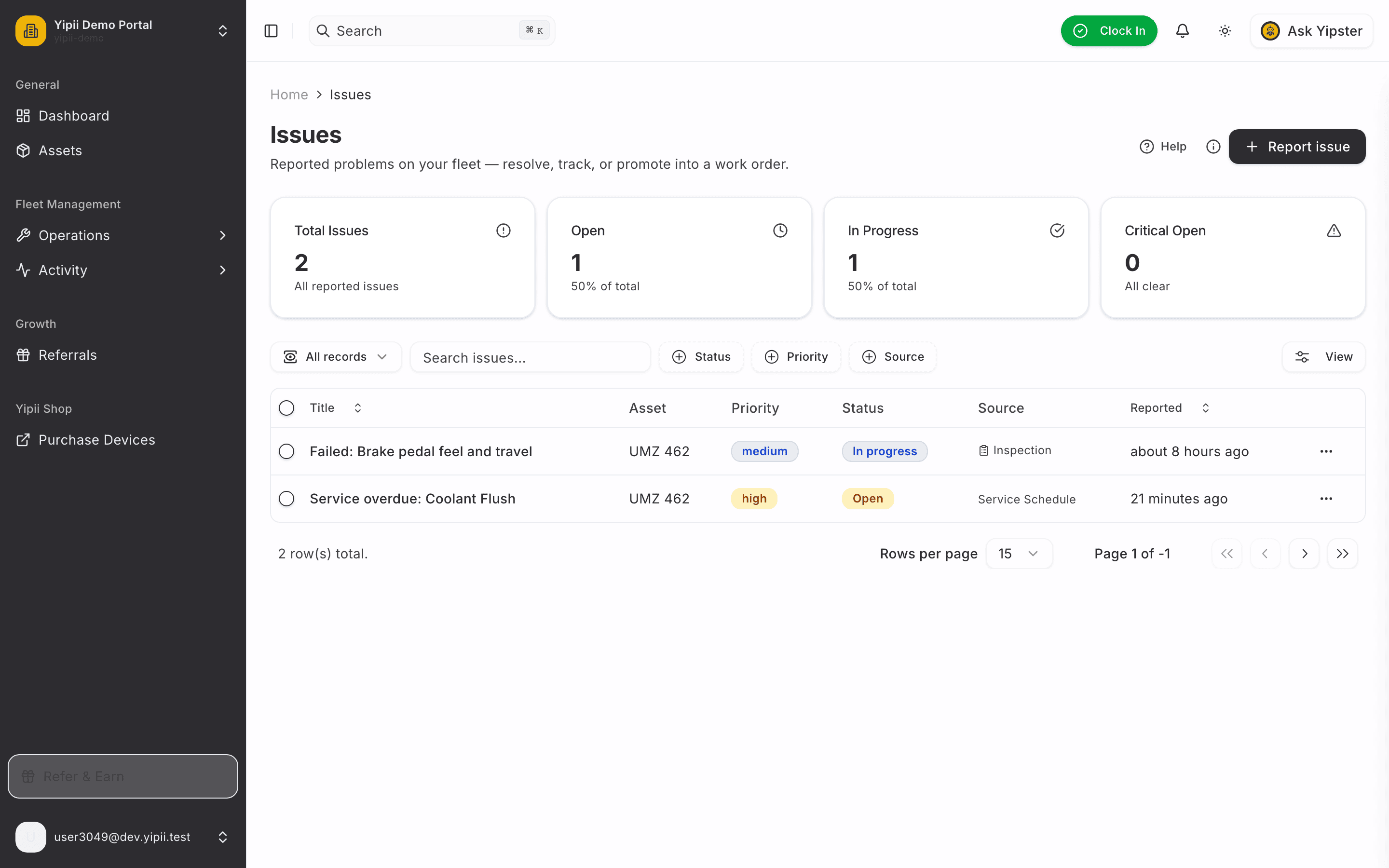
1. The driver opens Issues
Drivers see a focused workspace — no billing, no settings, just what they need. Operations → Issues, then Report issue.
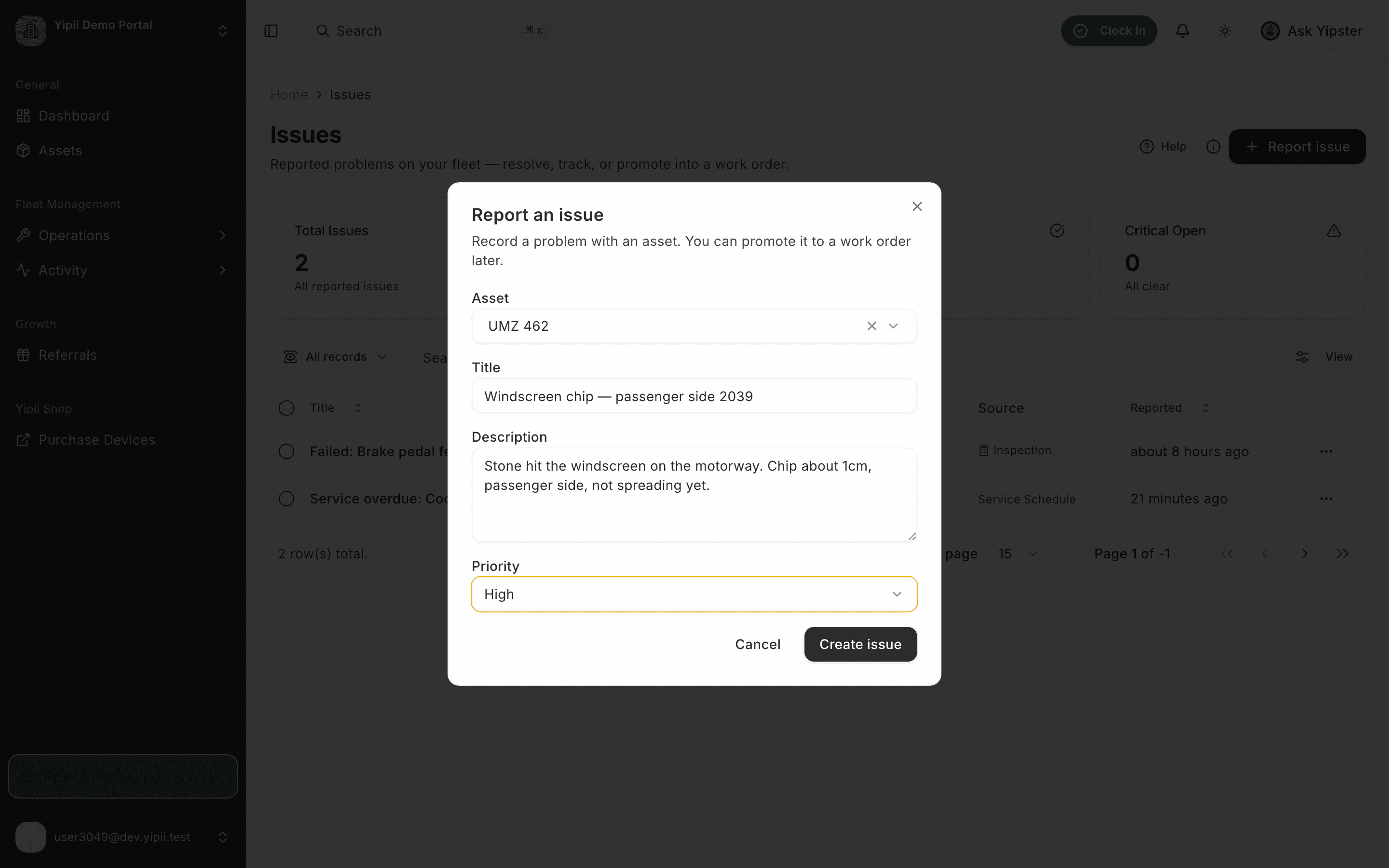
2. Report it — thirty seconds of typing
Four fields: which vehicle, a one-line title, what happened, and how urgent it feels from where you're standing. A stone chip that might spread is High — the manager can always re-triage.
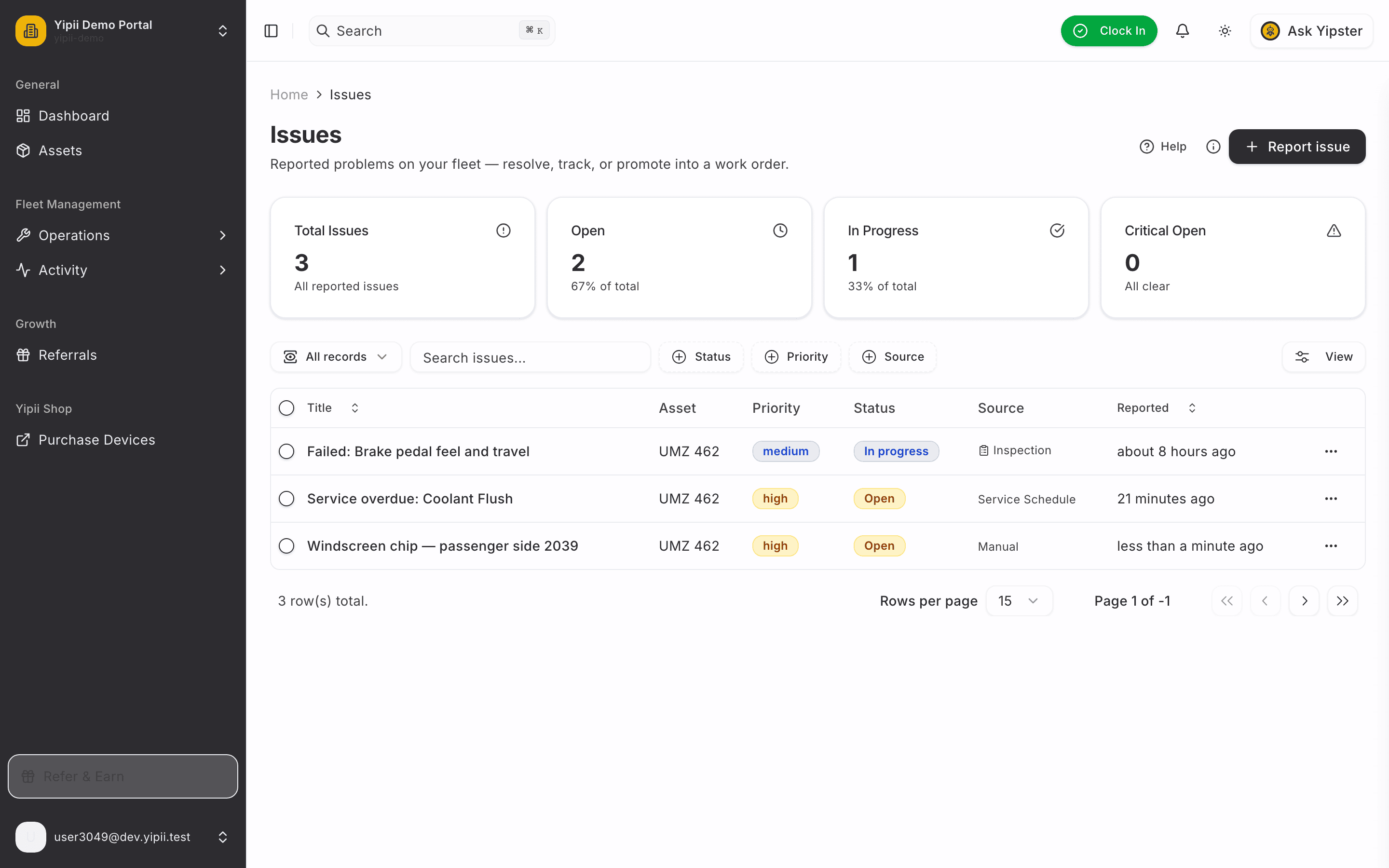
3. Created — it's on the board
The issue is live the moment you tap Create issue — open, high priority, attributed to you as the reporter.
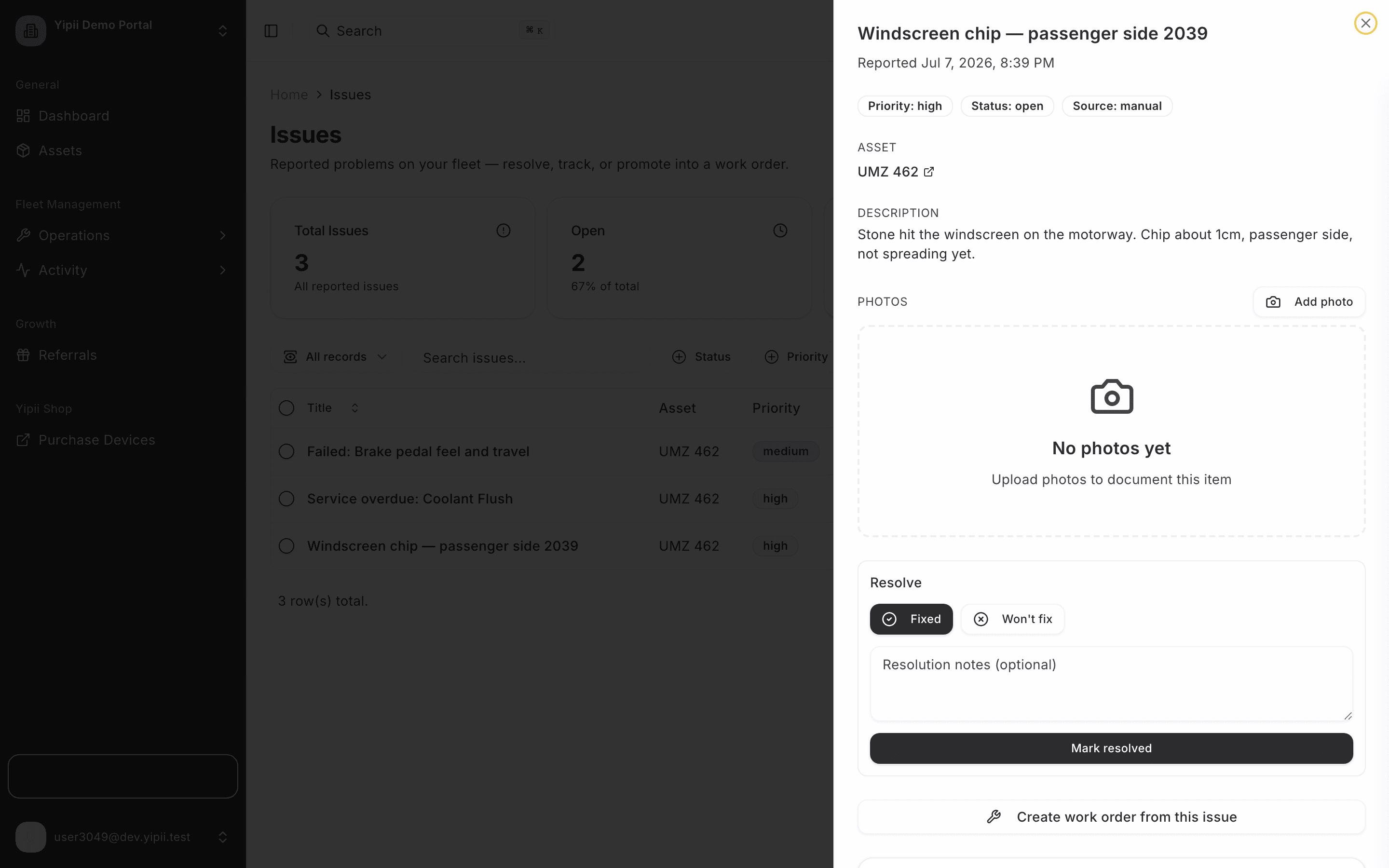
4. Open it — the Photos section
Words argue, photos settle. Open the issue and tap Add photo in the Photos section.
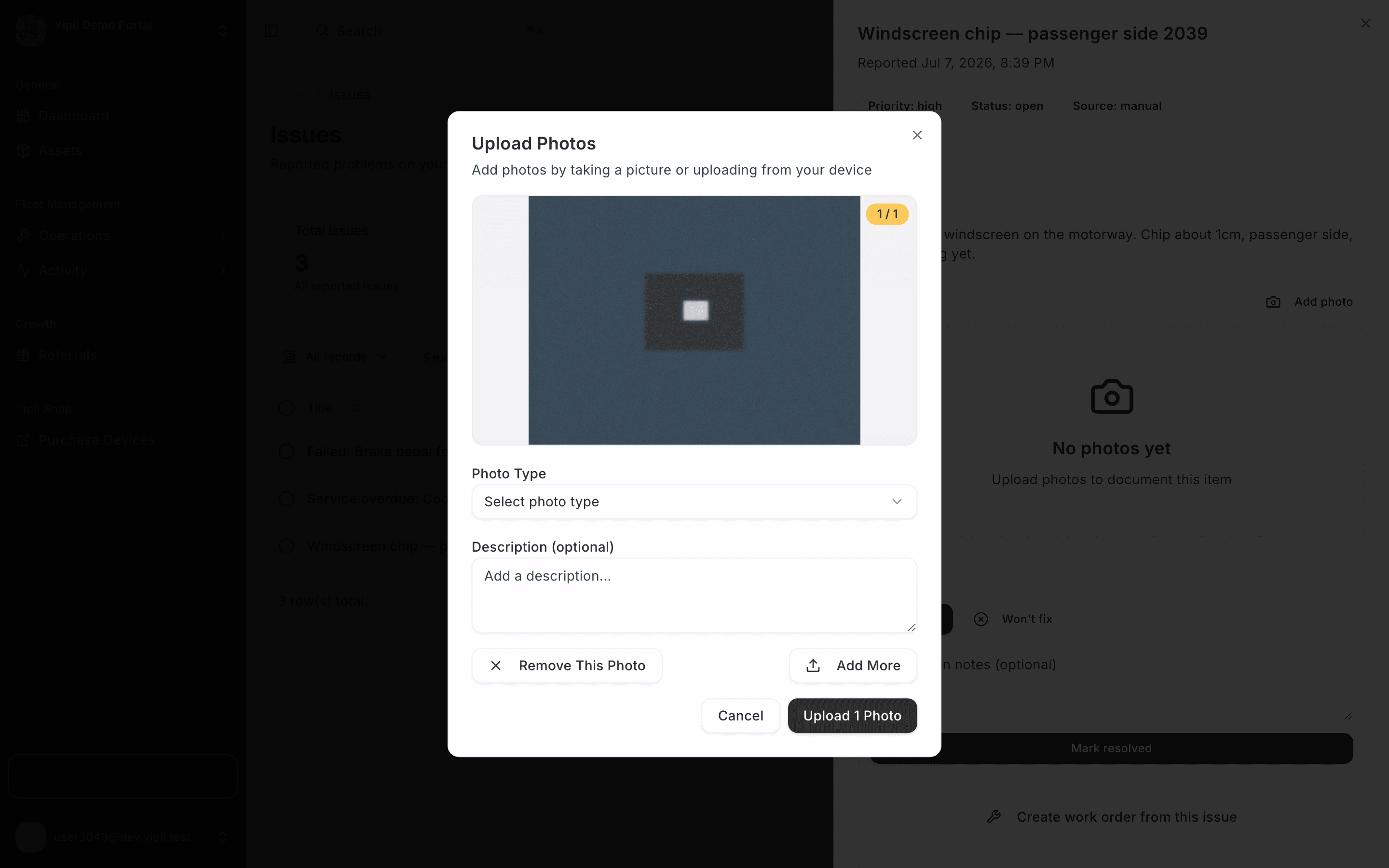
5. Attach the evidence
Take a picture on the spot or pick one from the gallery — on a phone this opens the camera directly.
6. Done — triage-ready
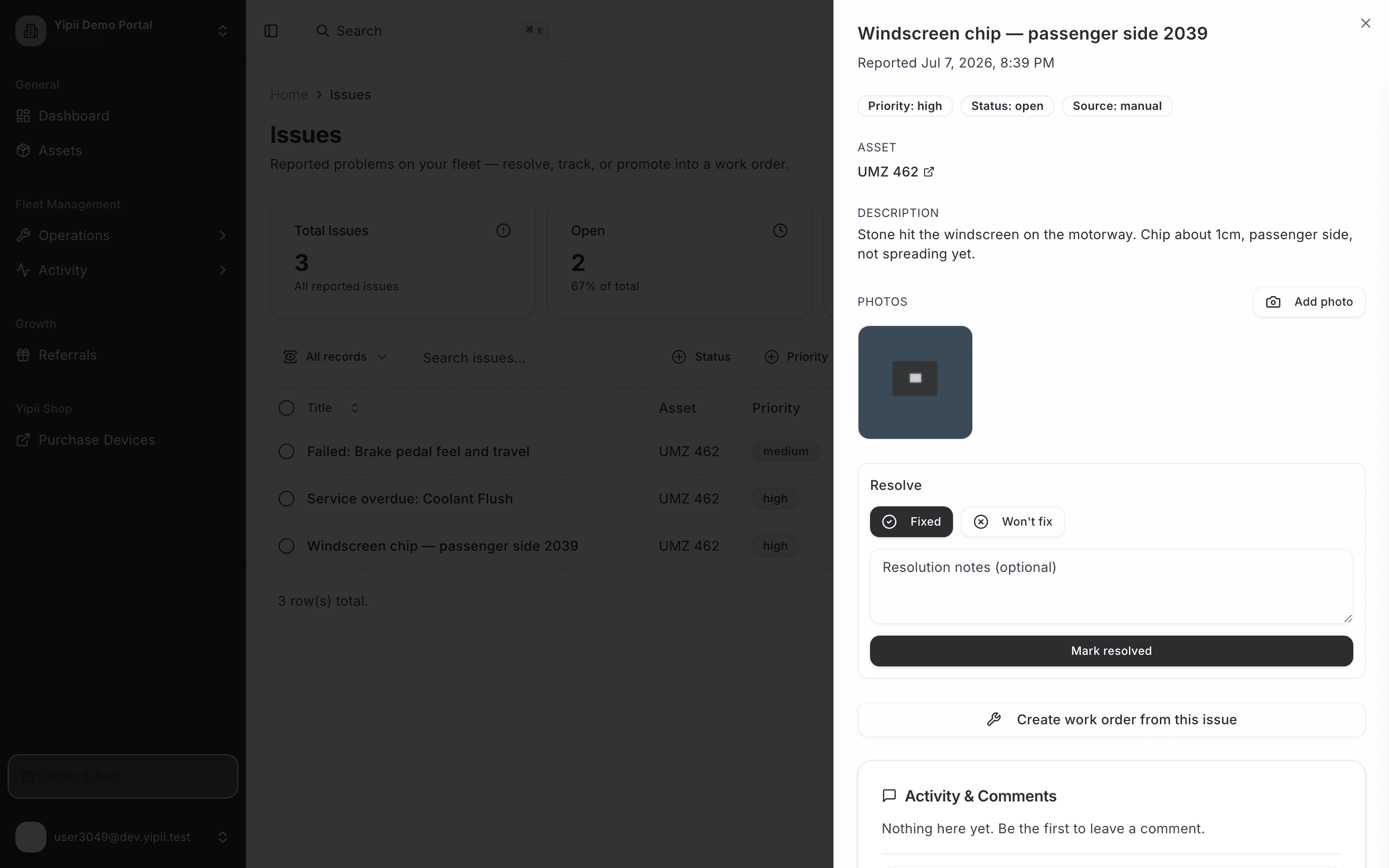
The photo sits on the issue alongside the description and priority. When the manager opens it, everything they need to make a call is already there — resolve it, or promote it straight to a work order.
What happens next is the standard loop: Failed Inspection → Issue → Work Order covers the triage and promotion, and Complete a Work Order closes it — the driver who reported it is notified when their issue is fixed.
What you ended up with
- A high-priority issue on the vehicle, reported in under a minute from the field.
- Photo evidence attached — no "can you describe it again?" round trips.
- A triage-ready record the manager can resolve or promote to a work order, with the driver notified when it's fixed.
Vehicles break where they work. Now reporting works there too.