

Reset a password
Get back into a locked-out Yipii IoT account, the faster route most people miss, and what to check when the reset email never turns up.
If you only need to get in right now, you do not need a new password. Use Sign in with email link on the sign-in page — Yipii emails a one-time link that signs you in and changes nothing.
Reset the password when you want a new one, not merely when you have forgotten the old one.
Steps
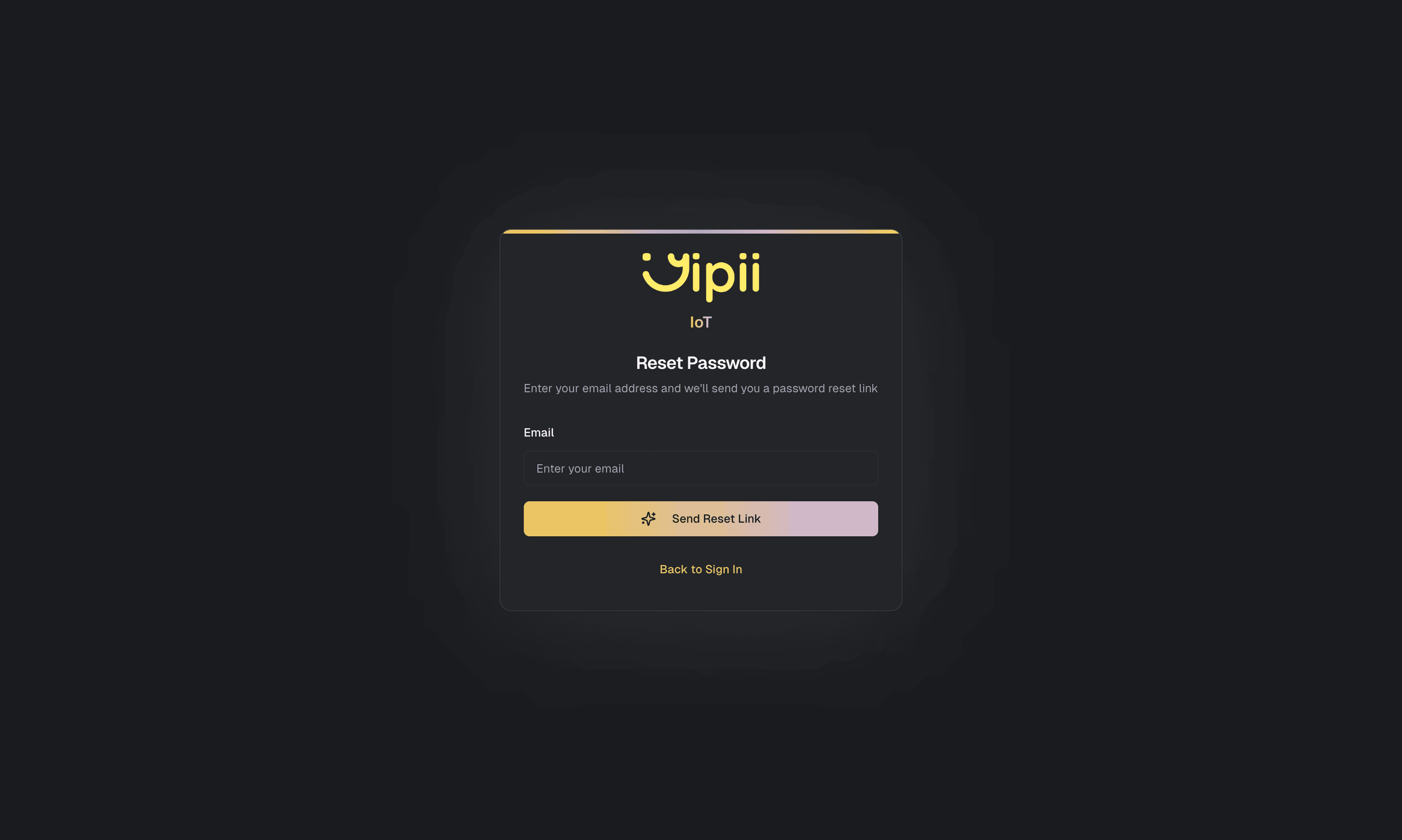
What happens next
You are returned to the sign-in page and can sign in with the new password. Fleet data, alerts and settings are untouched.
If Password Changed is switched on under Settings → Notifications you also get a confirmation. Receiving one you did not trigger is the signal to act: reset it again immediately and tell your account admin.
If it doesn't work
| Symptom | Cause | Fix |
|---|---|---|
| The reset email never arrives | Filtered, or the address is not on any account | Check spam, and add noreply@yipii.com to your contacts. Then confirm the exact address your admin invited — a typo means the reset goes nowhere silently |
| It still doesn't arrive on a work address | Your organisation blocks external automated mail | Ask IT to allow yipii.com |
| The link says it has expired | Reset links last 60 minutes | Request a new one and use it straight away |
| The link opens the sign-in page instead | It was already used, or superseded by a newer request | Only the most recent link works. Request one more and use that |
| The new password is rejected | Under 8 characters | Use at least 8 |
| It worked, but the fleet is empty | You're signed into the wrong account | Switch accounts. See sign in |
| You originally signed in with Google | There may be no password to reset | Use Continue with Google instead |
Related
- Sign in — including the email-link route that avoids all of this.
- Change your profile, password and PIN — the device PIN, for shared machines.
Was this page helpful?