

Sign in
The ways into Yipii IoT, what happens straight after you are in, how to stay signed in on a device you trust, and what to try when none of it works.
Go to iot.yipii.io.
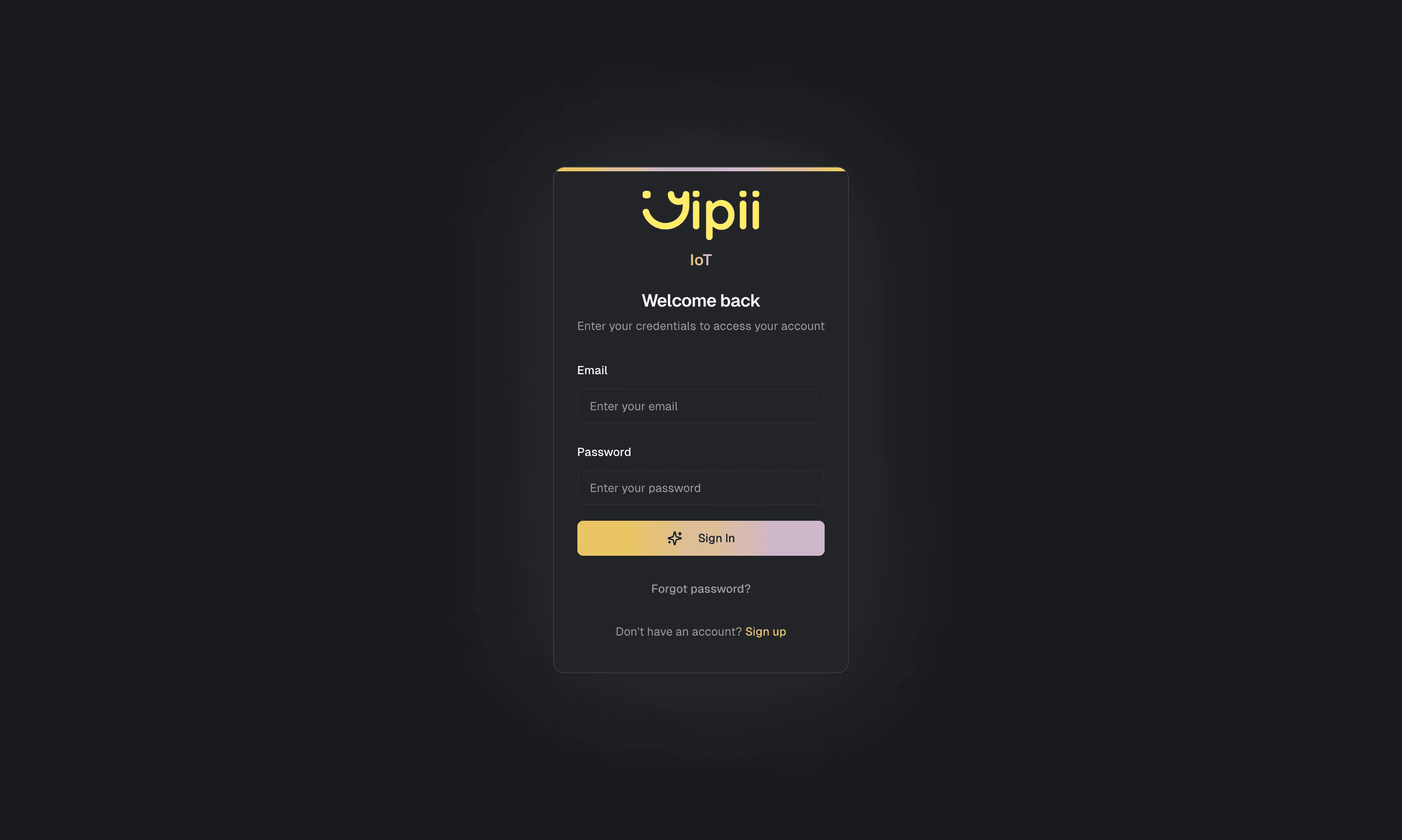
Four ways in:
| Method | Use it when |
|---|---|
| Email and password | The default |
| Continue with Google | Your Yipii email is a Google account — nothing to remember |
| Sign in with email link | You cannot recall the password and would rather not reset it. Yipii emails a one-time link |
| Reset the password | You want a new one. See forgot password |
The email-link route is the underused one. It signs you in without changing anything, which is usually what you want at 07:00 when a vehicle is missing and you are not in the mood to invent a new password.
After signing in
If your email belongs to one account you land straight on the map. If it belongs to several — common for installers and for anyone looking after a group of companies — you get an account picker first.
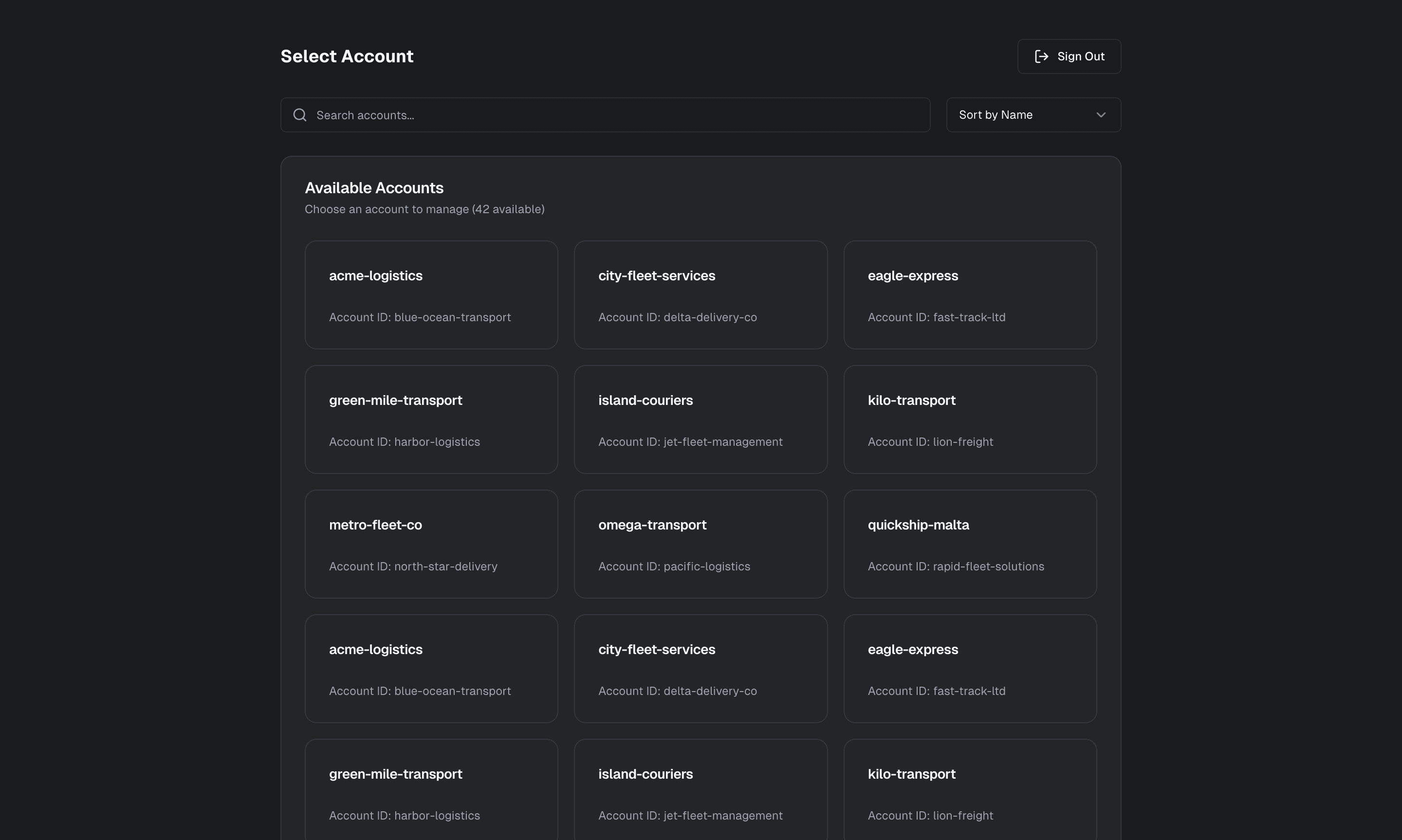
Choosing the wrong one breaks nothing. Switch accounts and carry on.
Install it as an app
Yipii IoT is a PWA. Installing it gives you a home-screen icon on a phone, a window of its own on a desktop, and — on an iPhone — push notifications at all, because Apple only delivers web push to a site that has been added to the home screen.
Install it on your phone has the exact taps for Safari and for Chrome, and what to do when Add to Home Screen is not in the Share menu.
On a desktop the install control is in the browser's address bar.
Staying signed in
Yipii keeps you signed in between visits. On a shared machine, set a PIN under Settings → Security: it locks the app without signing you out, so nobody is typing a password into a depot terminal in front of an audience.
If it doesn't work
| Symptom | Cause | Fix |
|---|---|---|
| "Invalid credentials" and you're sure the password is right | Caps lock, or a trailing space pasted from a password manager | Use the eye icon to see what is actually in the field |
| Continue with Google signs you in as the wrong person | The browser is signed into a personal Google account | Sign out of Google, or use a private window |
| The email link never arrives | Filtered, or the address isn't on any account | Check spam, then check the address your admin actually invited |
| The email link says it has expired | They are one-time and short-lived | Request a fresh one |
| You're in, but the fleet is empty | You're in the wrong account | Switch accounts |
| You were signed out unexpectedly | The session ended, or site data was cleared | Sign in again. If it repeats, check whether the browser clears cookies on close |
| You have no account at all | Nobody has invited you | Ask an account admin to invite you under Users |
Related
- Install the app on your phone — the exact taps for Safari and Chrome, and why an iPhone needs it for push to work at all.
- Forgot password — resetting it properly.
- Sign up — creating a new account.
- Change your profile, password and PIN — where the device PIN lives.
Was this page helpful?