

API access
Your developer plan, how much of it this month has used, the API keys for your own systems, and who on the account may use the API.
Settings › API access is for connecting your own software to Yipii — a booking system that needs vehicle positions, say. It shows what your plan includes, how much of it has been used, and the keys your systems sign in with. One key works for both the IoT and the Mobility APIs.
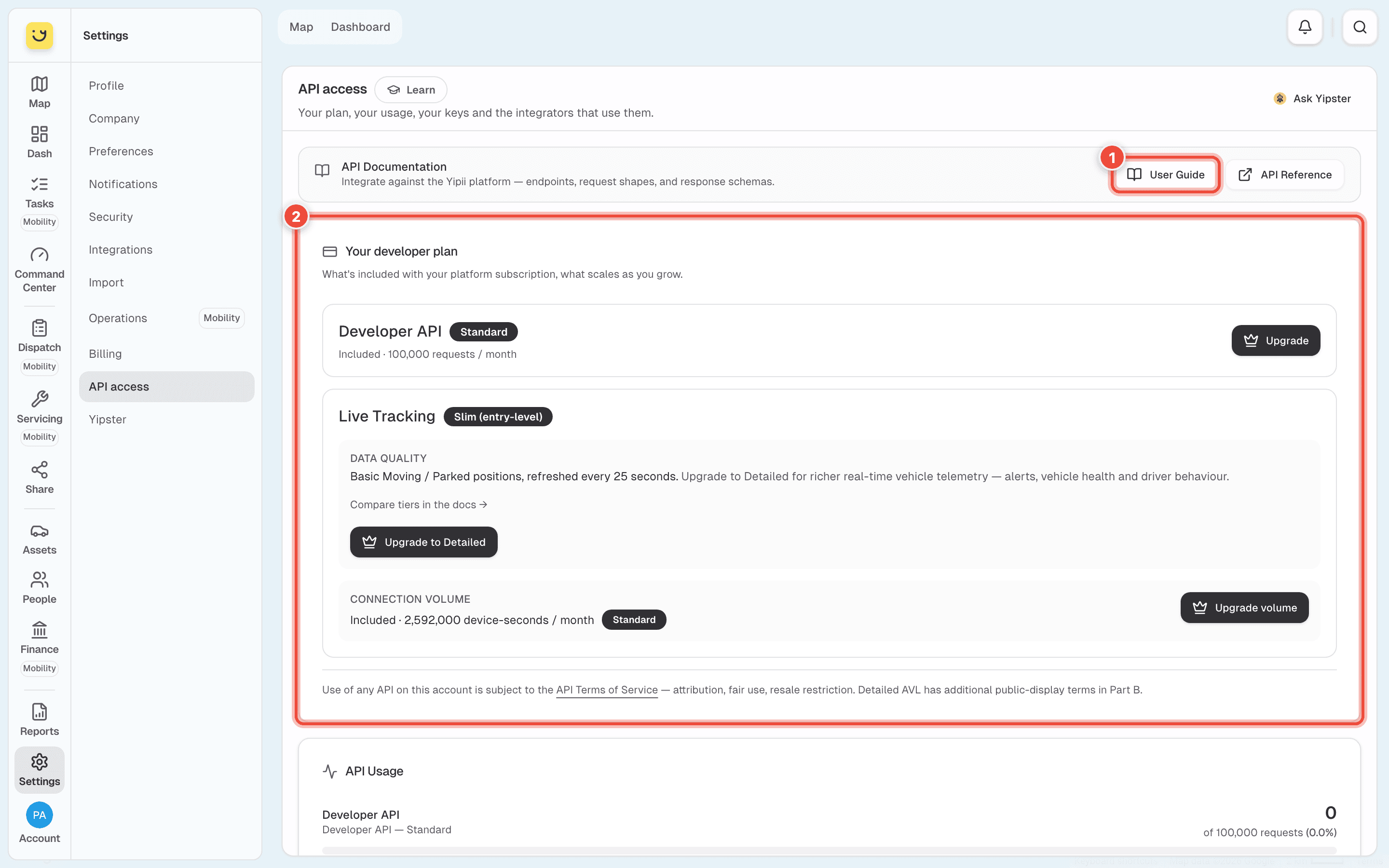
- API Documentation — User Guide and API Reference open the developer docs.
- Your developer plan — Developer API (requests a month, 100,000 on Standard) and Live Tracking (how detailed the live positions are, and how many connection-seconds a month). Upgrade asks for a bigger plan.
Further down:
- API Usage — this month's requests and live-tracking time against the plan, the day the count resets, and charts for the last 30 or 90 days.
- API Keys — Create API Key makes a key for one system. The key is shown once, when you create it: copy it then. Afterwards the list shows only its first characters and when it expires. Revoke stops a key at once.
- Account Integrators — who on the account may use the API. Access is granted per person: Request API access asks us to switch it on for someone.
How to use a key, rotate it, and what each endpoint returns is in the developer docs: see API keys.
If it doesn't work
| Symptom | Cause | Fix |
|---|---|---|
| You lost a key you created | Keys are shown once only | Create a new key, update your system, and revoke the old one |
| Requests are refused near the end of the month | The month's requests are used up | Check API Usage, then Upgrade or wait for the reset date |
| A colleague can't create keys | API access is granted per person | Use Request API access for them |
| A key may have leaked | Anyone holding it can reach your account's data | Revoke it now and create a new one |
Related
- API keys — using, rotating and revoking a key.
- Billing — the Developer API and Live Tracking plans as add-ons.
Was this page helpful?