

Sign up
Create a Yipii IoT account, verify the email, and take the fastest route from an empty account to the first vehicle moving on the map.
Creating an account takes a couple of minutes. Getting a vehicle onto the map takes as long as it takes to fit a tracker.
If your company already uses Yipii, do not sign up. Ask an account admin to invite you under Users — a second account will not see your colleagues' vehicles.
Steps
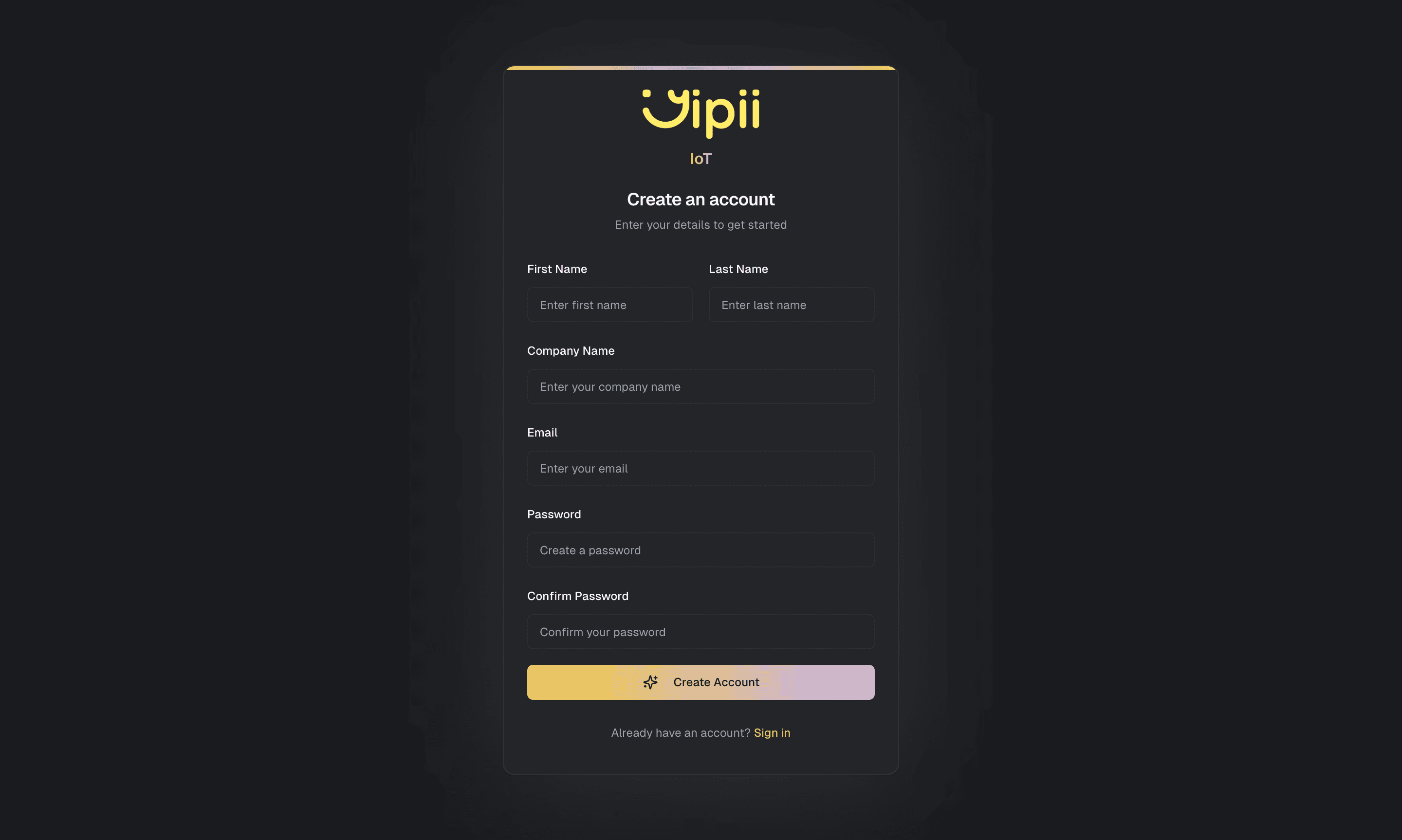
What happens next
Verifying the email finishes the account and drops you on the map — empty, because there is no hardware on it yet.
Your account starts on a trial. What that includes and what happens at the end of it are shown on your own billing settings, which is the authoritative answer for your account rather than anything a docs page could tell you.
Nothing is deleted when a trial ends. Trip history, alerts and settings are all still there when you subscribe.
The fastest route to a vehicle on the map
- Register a tracker by IMEI or QR code, and let the wizard create the asset for it.
- Wait for the first position. Minutes at most, once the device has a clear view of the sky.
- Set up an alert and send it somewhere real — an alert that goes nowhere teaches you nothing about whether it works.
Two things are worth doing on day one and are painful to retrofit:
- Set the timezone under Settings → Company. Reports are cut on day boundaries in it.
- Create asset groups before you have thirty vehicles. Alerts can target a group, and a group keeps covering the fleet as it grows. See Assets.
If it doesn't work
| Symptom | Cause | Fix |
|---|---|---|
| The verification email never arrives | Filtered, or delayed by a corporate mail gateway | Check spam. Request a new one from the sign-in screen |
| "Email already in use" | You already have an account, or a colleague invited you | Use sign in, or the email-link route |
| You signed up but can't see the company fleet | You created a second, separate account | Ask an admin to invite your address, then use that invitation |
| The password is rejected | It is under the minimum length | Use at least 8 characters |
| The account exists but there's nothing on the map | No tracker registered yet | Register one |
Related
- Sign in — including the email-link route.
- Trackers — the first real step.
- Settings — timezone and units, worth setting before anyone builds a report.
- Billing — what your account is actually on.
Was this page helpful?